Adding a Menu To a Company
In order to to add menu items to a company, a user first must be part of the company and a truck driver. To do so follow the steps found here.
Steps to add item to menu
- First proceed to the settings tab, you will see a purple icon called
Edit Menu.
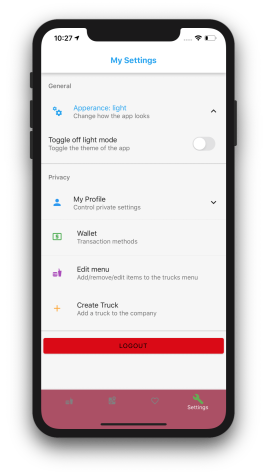
- After selecting the
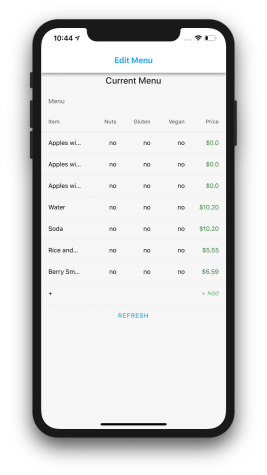
Edit Menu, you will see the current menu with an option at the bottom sayingadd.

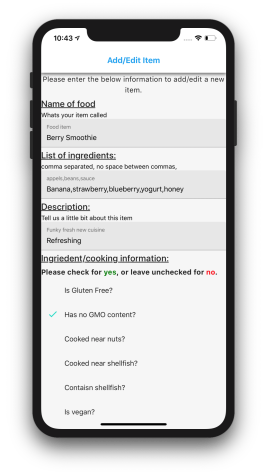
- You will then see a form asking you to fill in information about the menu item.
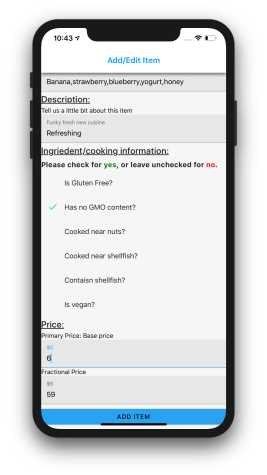
- Then after going back to the menu, you have to click refresh, you should see your newly created item!