Manage Favorites
You can manage your favorites by clicking the heart icon in the bottom navigation menu. If you click on the heart icon, confirm you want to remove the truck from your favorites list, and it will be removed.
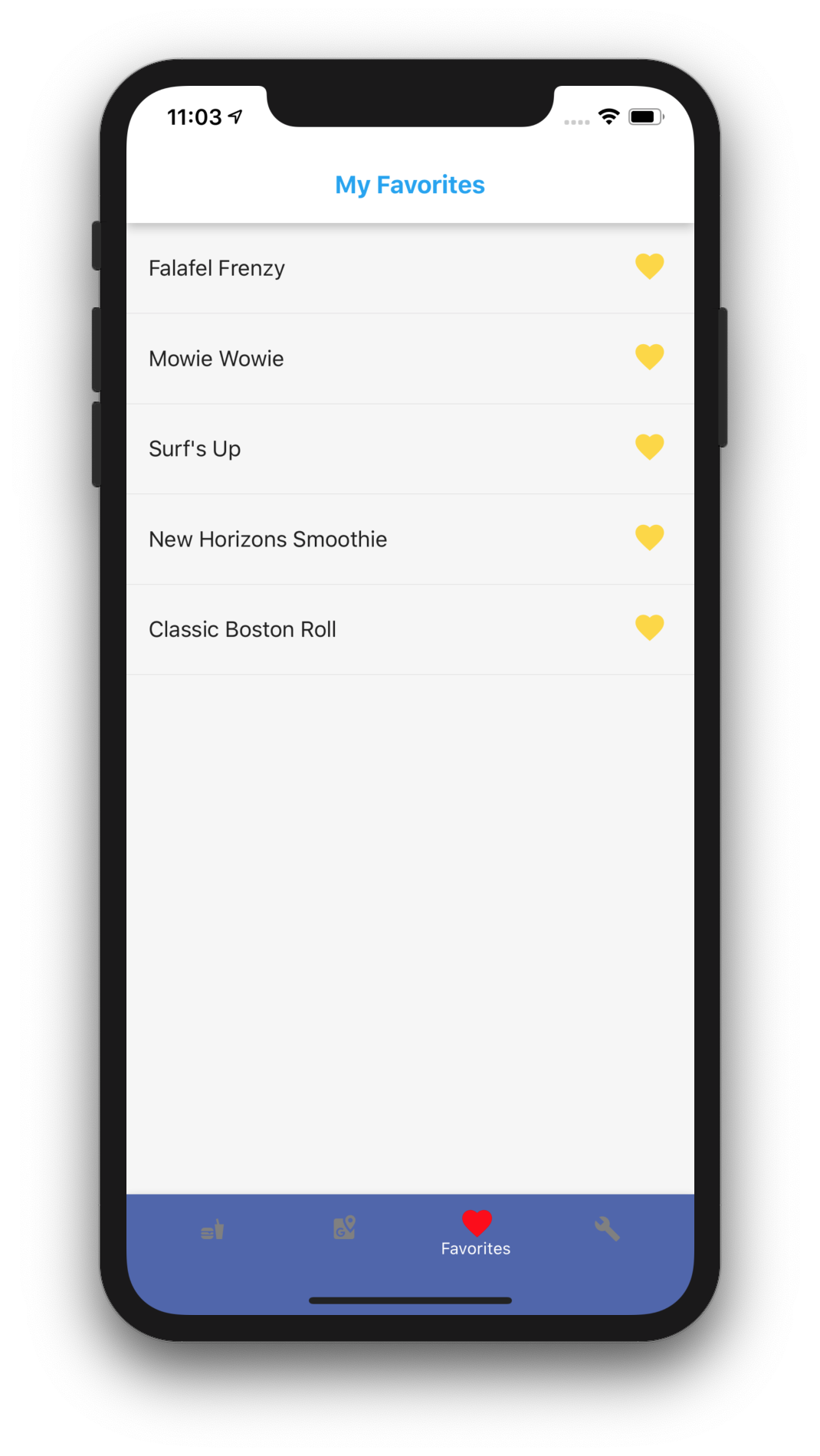
You can manage your favorites by clicking the heart icon in the bottom navigation menu. If you click on the heart icon, confirm you want to remove the truck from your favorites list, and it will be removed.